
NGUMU · Compare your options
Website blocker comparison
Different distractions need different tools. Compare NGUMU, Freedom, Cold Turkey Blocker, and LeechBlock NG by what they block—not by a made-up score.
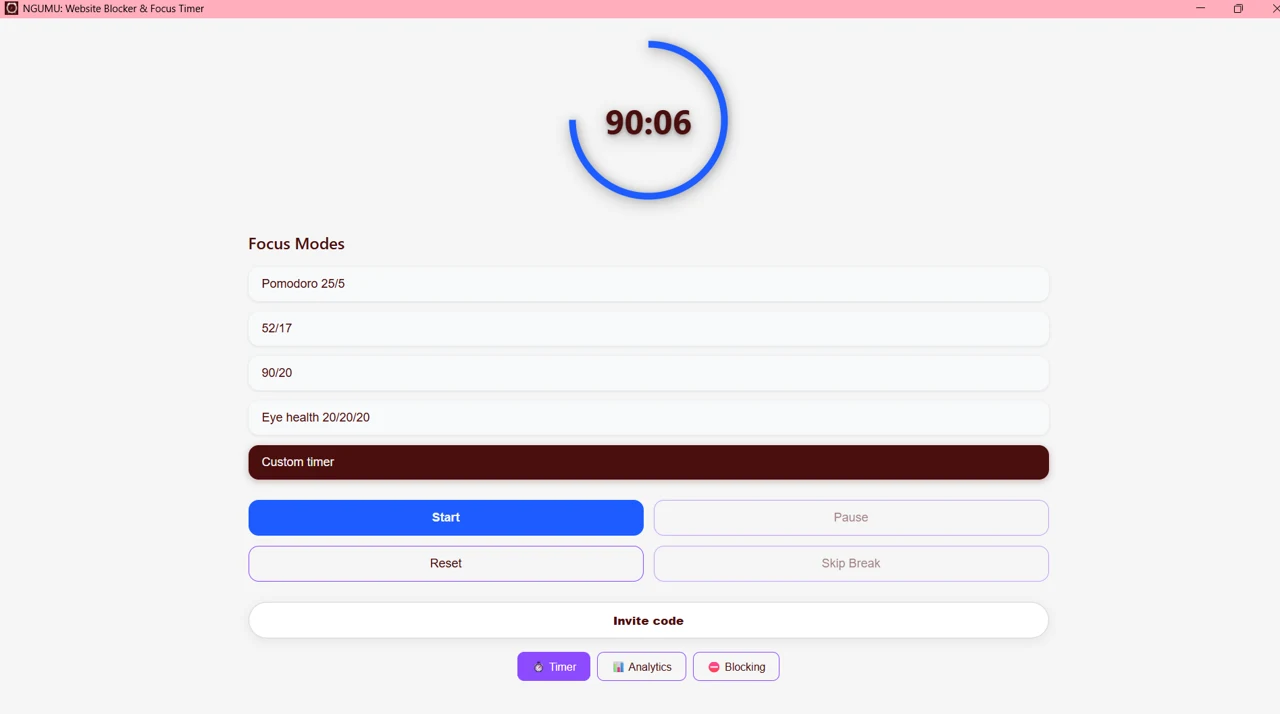
NGUMU
Browser extension + web timer
Focus cycles and browser website blocking
Best fit: Students and remote workers who want a browser-focused routine.
The website timer does not block tabs; install the extension. Timer data stays on your device. No cross-device sync is claimed.
Official sourceFreedom
Desktop and mobile apps
Synchronized distraction blocking across devices
Best fit: People who need blocking on both a computer and a phone.
The official site lists app and website blocking, recurring schedules, and a locked mode. Feature availability varies by platform and plan.
Official sourceCold Turkey Blocker
Windows and macOS desktop app + extensions
Desktop website and app blocking with locked blocks
Best fit: People who want stricter desktop-level restrictions.
Install the desktop app and supported browser extensions. The official site lists schedules and locked blocks; consult current plan details.
Official sourceLeechBlock NG
Browser extension
Website blocking by schedule and time allowance
Best fit: People who want detailed browser-based time rules.
The official documentation lists Firefox, Chrome, Edge, and other Chromium browsers, block sets, fixed periods, time limits, and exceptions.
Official sourceChoose the scope first
Choose NGUMU for a browser-centered focus routine. Consider Freedom for multiple devices, Cold Turkey for desktop restrictions, or LeechBlock for detailed site schedules. No browser tool can guarantee that every distraction is impossible to bypass.
Official product pages checked November 12, 2026. This comparison is published by NGUMU, not an independent review. Products and plans may change; no current price, speed benchmark, or competitor privacy ranking is asserted.
Explore alternatives